Layout grid
Table of Contents
Basic concept
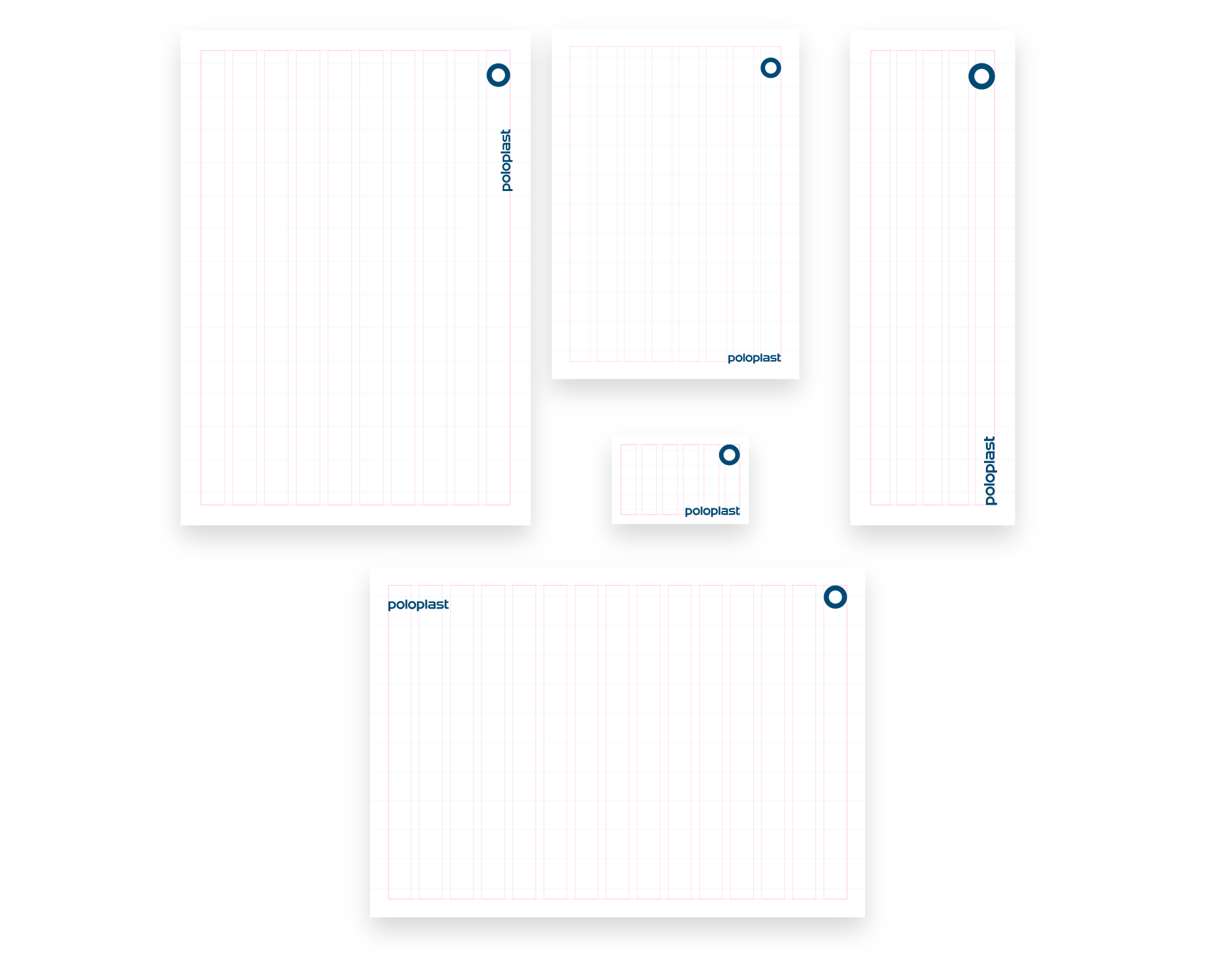
The horizontal grid and column structure serve as a guideline for aligning text blocks, images and background elements. This grid was developed for DIN formats. Formats that deviate from the DIN standard require separate handling; however, wherever possible, they should follow the design principles of the grid (e.g. exhibition stands, trade fair invitations, square formats).
Longer text blocks, such as those used in technical manuals or the Sustainability Report, are aligned to the baseline grid.
It is important to set the correct line spacing in the paragraph styles (see Layout / Typography).
There are no fixed column widths for text. Content should be adapted to the respective format. This can be achieved, for example, by using a two‑column layout or by increasing the body text size. This allows the layouts of individual printed materials to be optimally tailored to their content. For example, if the same look as a DIN A4 document is required for a DIN A3 document, the body text size must be increased to 15.4 pt.
Instructions for creating a grid
The grid is used to subdivide the page in order to align elements. For non‑DIN formats or formats larger than DIN A4, the number of rows and columns should be selected to achieve a visually balanced result. For example, for a format measuring 42.2 cm × 21 cm, 15 rows and 5 columns would be visually appropriate.

How to create a layout grid
- Dividing the page height into rows:
- For a height of 21.1 cm and above: 15 rows
- For a height of 21 cm to 14.9 cm: 12 rows
- For a height of 14.8 cm to 10.6 cm: 9 rows
- For a height of 10.5 cm to 6.1 cm: 6 rows
- For a height of below 6 cm: 5 rows
- The page margins on all sides should be set to 62% of the height of one row (e.g., 14.3 mm × 0.62 = 8.87 mm).
- Create 15/10/8/6 columns without guttters.
- For a width of 29.7 cm and above: 15 columns
- For a width of 29.6 cm to 21 cm: 10 columns
- For a width of 20.9 cm to 14.8 cm: 8 columns
- For a width of 14.7 cm to 10.6 cm: 6 columns
- For a width of below 10.5 cm: 5 columns
- Then set the column gutter: Measure the width from the start of the first column to the start of the second column (including the automatically applied gutter). One quarter of this value is then used as the new column gutter.
- Align the POLOPLAST ring with its top edge to the first row or to the page margin. The width of the ring should correspond to one column width, or one column width plus gutter for smaller formats. The minimum width of the ring is 12 mm.
- The POLOPLAST logo should be one third of the size of the ring or the column width and aligned flush with the graphic frame at the page margin. The minimum height of the logo is 4 mm.
Example dimensions DIN A4:
- Page height is 29.7 cm: 15 rows
- Row height: 19.8 mm * 0.62 = page margin: 12.28 mm
- Page width is 21 cm: 10 columns
- 1 column width plus gutter = 19 mm
- Column gutter: 19 / 4 = 4.75 mm
Here is a template for Adobe InDesign in DIN A4 dimensions:
Further examples of the grid across different formats
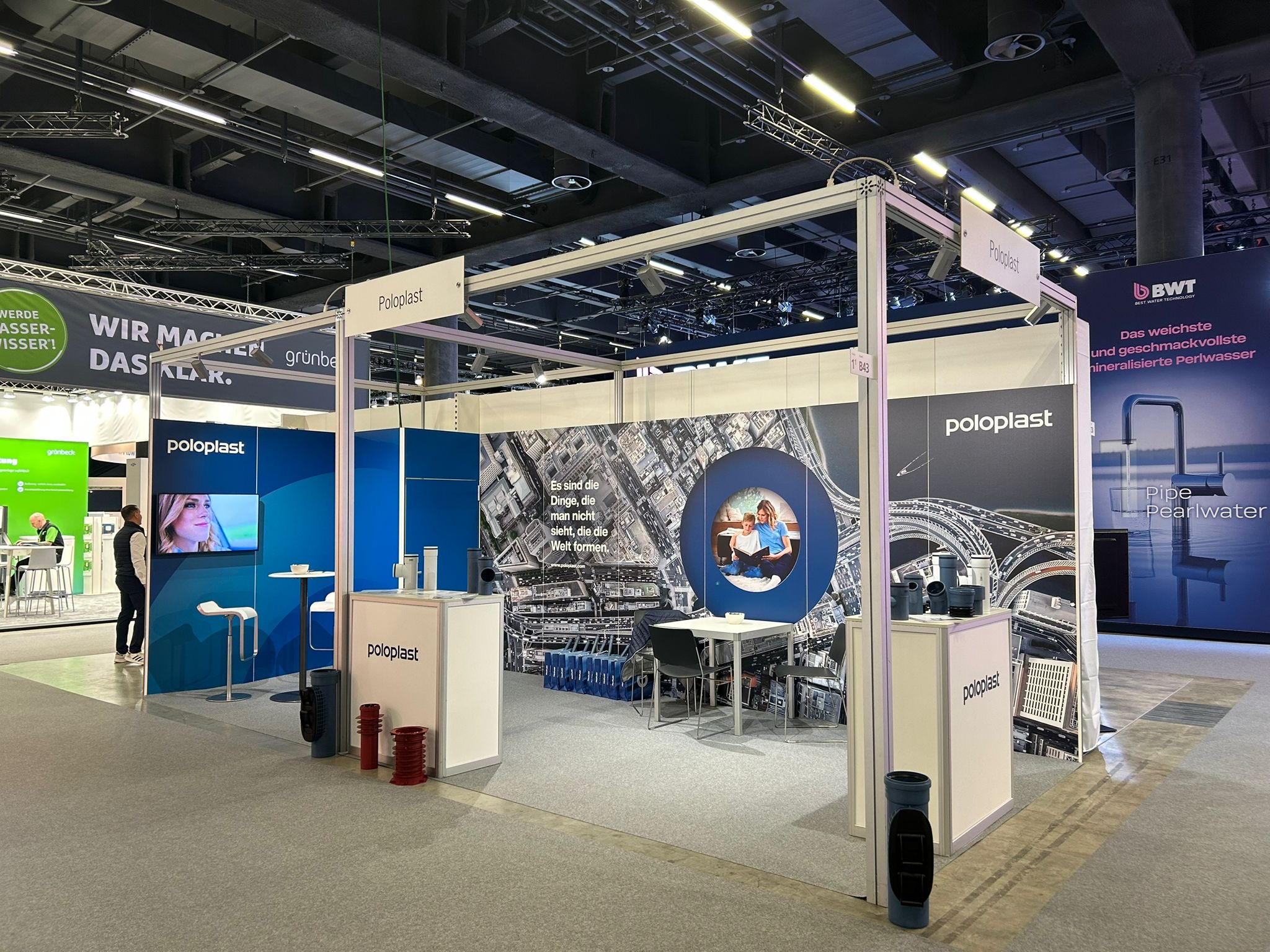
Grid layout for exhibition stands and extreme formats
The grid layout is designed for DIN formats or formats similar to DIN standards. Exhibition stands and other applications such as LED walls may differ significantly from DIN formats. Therefore, the following definitions apply:
- Dividing the height into 15 rows:
- The page margins on all sides should be set to 62% of the height of a row (e.g., 160 mm × 0.62 = 99 mm).
- For exhibition applications, there are no fixed columns, as formats and individual panels can vary considerably, making consistent column widths impractical. The widths of text blocks and images should therefore be determined according to visual design principles.
- If the POLOPLAST ring is used on an exhibition wall, it should be aligned with its top edge to the first row or to the page margin. The width of the ring should correspond to the height of one row.
- The POLOPLAST logo should be half the size of the ring or the column width and aligned flush with the graphic frame at the page margin. If the logo is placed without the ring, it may be displayed at a larger size.